Integrate Jira to Hoory AI
Hoory AI lets you connect your Jira account so you can create Jira issues directly from a conversation, without leaving your dashboard.
How to Enable Jira Integration?
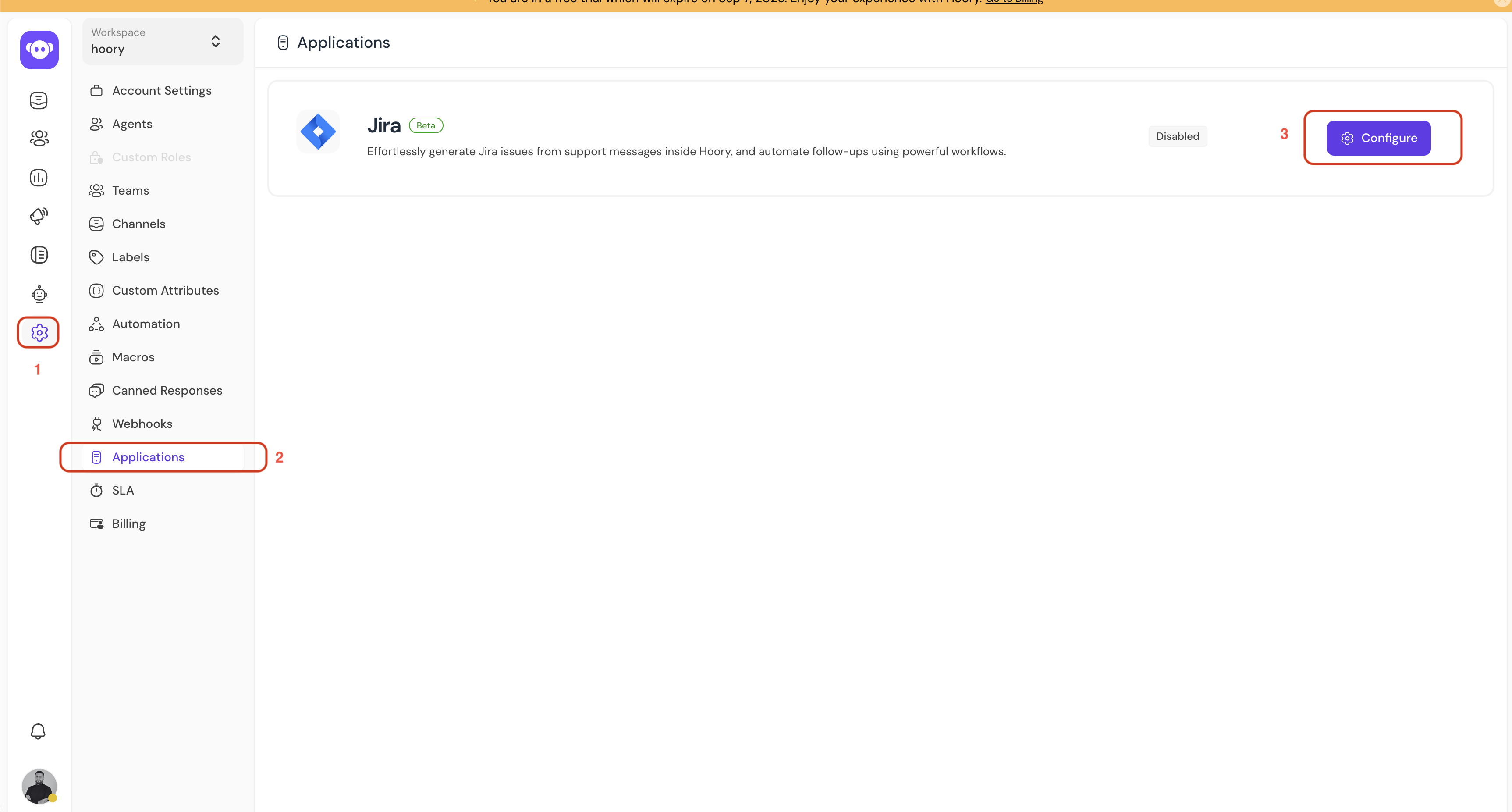
Step 1. On your Hoory AI dashboard, click Settings → Applications.
Step 2. Find Jira in the list and click Configure.
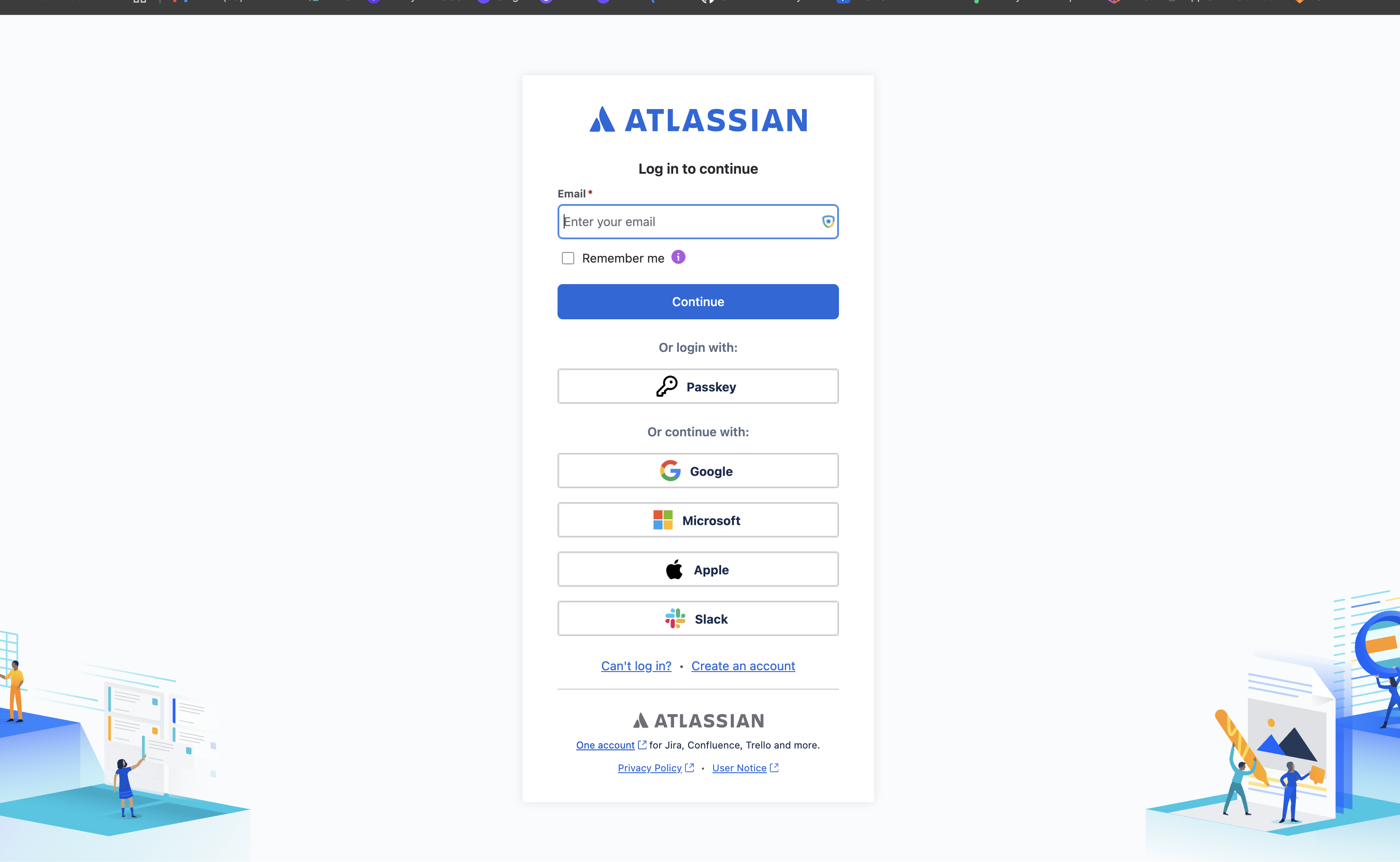
Step 3. You'll be redirected to Atlassian. Log in with your Atlassian account (or continue with Google, Microsoft, Apple, or Slack) and approve access.
Step 4. Hooray! Jira is now connected, and its status will change from Disabled to Enabled.
Creating a Jira Ticket from a Conversation
Once connected, you can create or link Jira tickets directly from any conversation.
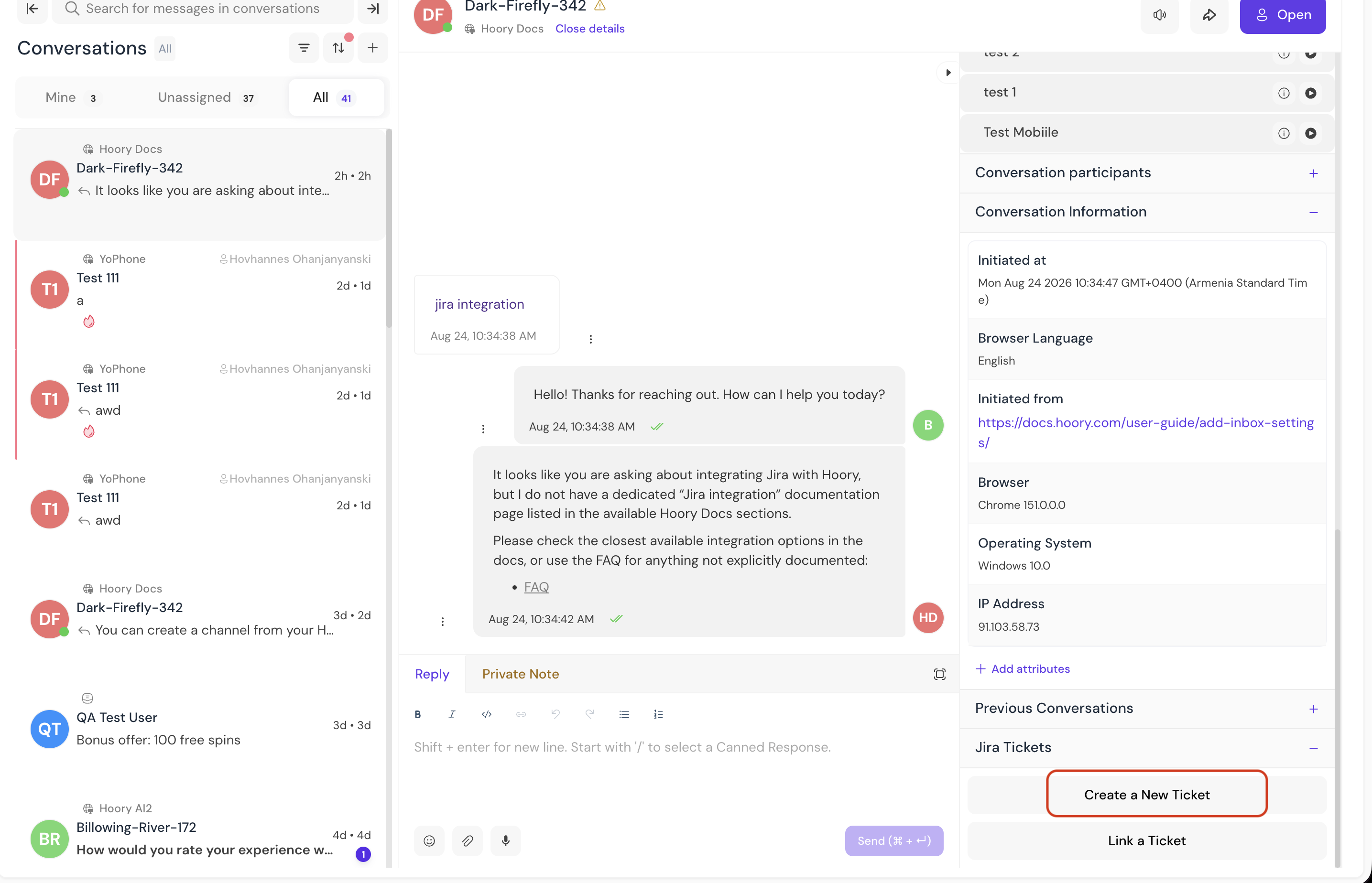
Step 1. Open any conversation and check the right-hand panel for the Jira Tickets section.
Step 2. Click Create a New Ticket to file a new issue, or Link a Ticket to attach an existing one.
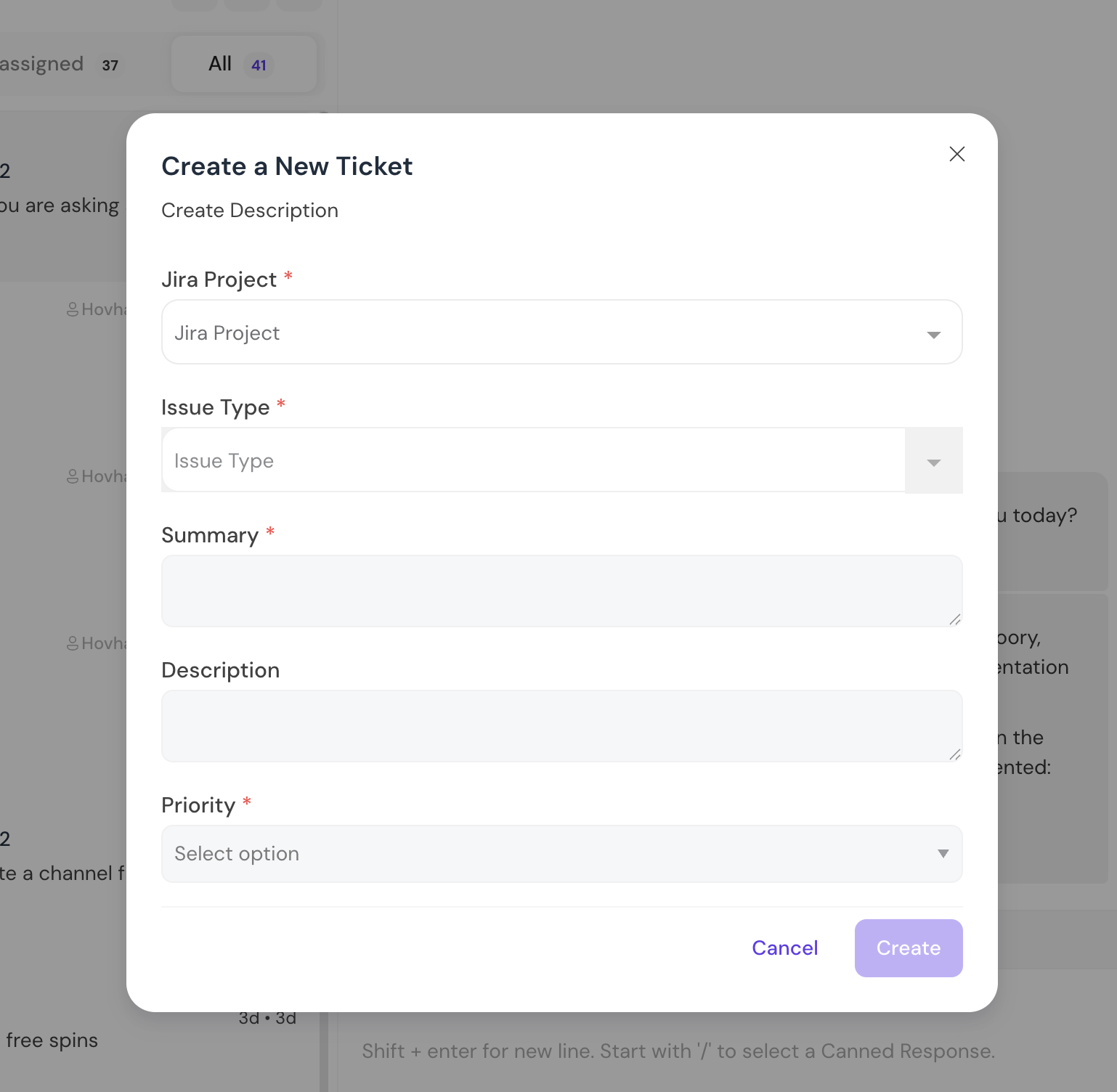
Step 3. Fill in the required fields:
- Jira Project
- Issue Type
- Summary
- Description
- Priority
Click Create.
The ticket is created in Jira and listed under Jira Tickets in that conversation, so you can track it without leaving Hoory.